SOFTWARE
TITAN INTERNAL MW3.
Titan Internal for Modern Warfare 3 featuring advanced aimbot, ESP, targeting, weapon options and extensive customization. View features and status at RogueCommunity.
PRODUCT FEATURES
WHAT'S INCLUDED.
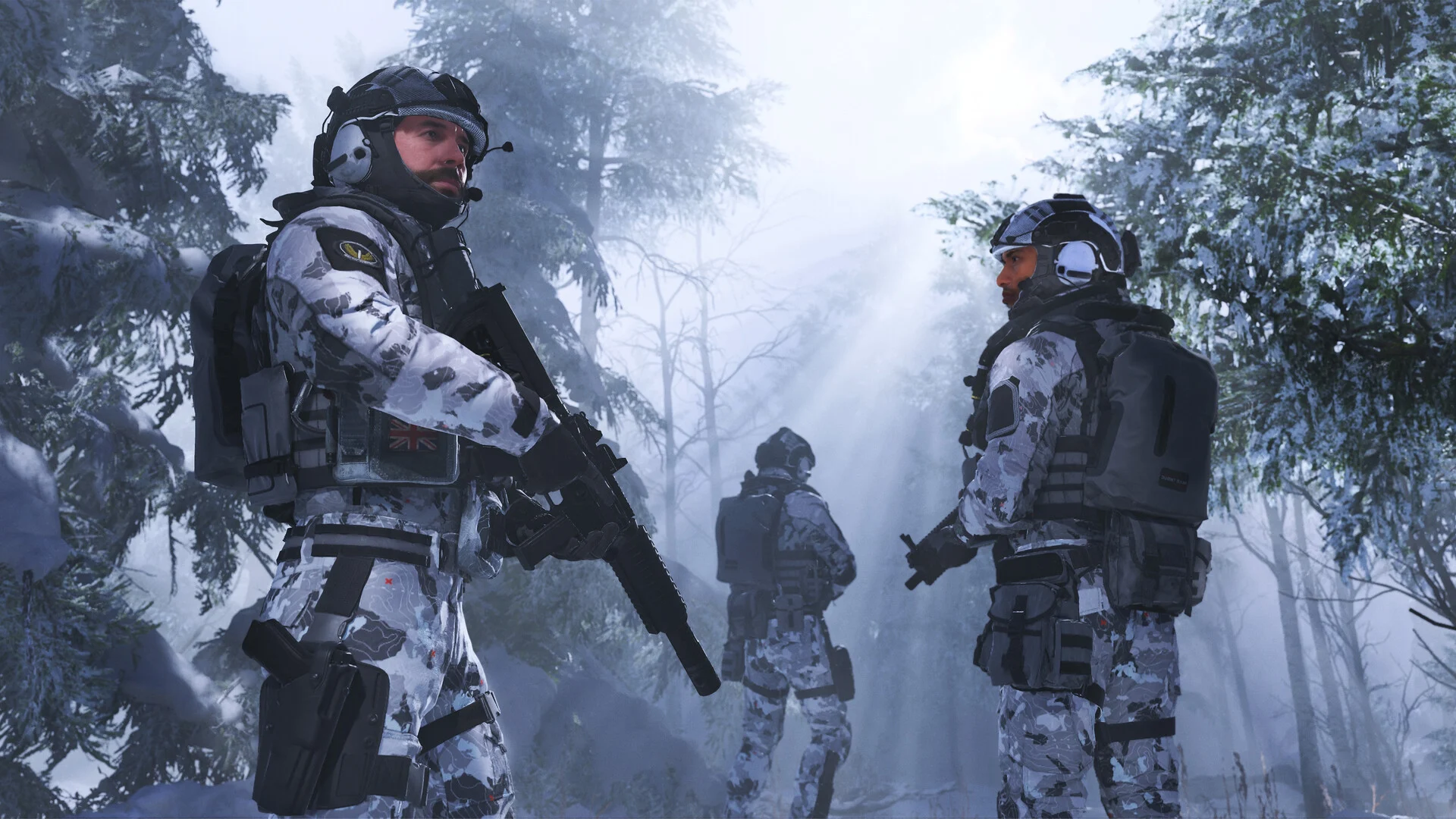
Titan — Call of Duty: Modern Warfare III
Feature List
- 🎯 Aimbot
- Standard aimbot with customizable aim key
- Client-side and server-side Silent Aim
- Adjustable FOV and smoothing
- Selectable aim bone
- Secondary aim override with separate key and bone
- Automatic bone targeting
- Dynamic or standard FOV targeting
- Target selection by FOV
- Visibility and riot-shield checks
- Disable aim after eliminating a target
- Controller support
- Adjustable miss chance
- Target notifications
- Snapline and hitbone indicators
- Lethal equipment lock-on
- 🔫 Accuracy
- No Recoil
- Custom recoil control
- No Spread
- Prediction support
- 👁️ Player Visuals
- Box ESP
- Name ESP
- Weapon ESP
- Distance ESP
- Health ESP
- Skeleton ESP
- Projectile ESP
- Custom enemy, visible and targeting colours
- Optional team display
- Ignore invisible entities
- Ignore AI entities
- Enemy looking-at-you warning
- Enemy aiming-at-you warning
- 🗺️ Radar & Compass
- Custom 2D Radar
- Adjustable radar size
- Player radar markers
- 2D Compass ESP
- Adjustable compass distance
- ✚ Crosshair & Visual Customization
- Custom crosshair
- Multiple crosshair styles
- Adjustable size, gap and thickness
- Optional outline
- Adjustable outline thickness
- FOV circle
- Custom box type
- Adjustable ESP text size
- Multiple rendering modes
- 🎮 Player View
- Custom FOV changer
- Adjustable player FOV
- Adjustable minimap size
- Third-person mode
- No Gun/Arms
- Remove weapon motion
- Remove riot-shield shaking
- No Shadows
- No Flash
- Broken View
- Force-start private matches
- 🔄 Anti-Aim & Movement
- Advanced Anti-Aim
- Auto 180
- Anti-selection option
- Custom pitch and yaw
- Server-side aimbot offset
- Extended Slide
- Long Melee
- Custom movement and melee binds
- 🧰 Unlocks & Match Controls
- Unlock all game items
- Unlock All hotkey
- Leave current match
- Exit Match hotkey
- Player-report bypass option
- Profanity-name bypass option
- 🛠️ Exploits & Editors
- Individual loadout name editor
- Rename all loadouts
- Global weapon camo editor
- Custom clan-tag editor
- Custom Cbuf command input
- Server chat spammer
- Automatic chat spam
- Adjustable message delay
- Single-message sending
- Built-in HvH class recommendations
- 🔧 Forcesave & Modded Loadouts
- Five configurable weapon slots
- Custom blueprint names
- Individual camo selection for every slot
- Forcesave support
- Modded weapon support
- 👥 Player Manager
- Live player list
- Player distance
- Visibility status
- Health information
- Current weapon information
- Individual player-management controls
- ⚙️ Presets & Configurations
- Legit preset
- Semi-Legit preset
- Rage preset
- Rage HvH preset
- Ten separate configuration profiles
- Save and load support
- Quick-access profile hotkeys
- ⌨️ Menu Binds
- Three customizable menu open/close keys
- Dedicated Unlock All bind
- Dedicated Exit Match bind
COMMON QUESTIONS
PRODUCT FAQ.
Which aiming controls are included?+
Standard aimbot with customizable aim key; Client-side and server-side Silent Aim; Adjustable FOV and smoothing; Selectable aim bone; Secondary aim override with separate key and bone. The full feature list above includes additional options.
Which accuracy features are included?+
No Recoil; Custom recoil control; No Spread; Prediction support.
What player information can I display?+
Box ESP; Name ESP; Weapon ESP; Distance ESP; Health ESP. The full feature list above includes additional options.
What radar and HUD settings are available?+
Custom 2D Radar; Adjustable radar size; Player radar markers; 2D Compass ESP; Adjustable compass distance. The full feature list above includes additional options.
Is delivery instant?+
Yes. Your licence is delivered automatically as soon as payment is confirmed. Open the order in your Rogue account to view the delivery. Crypto payments need the required network confirmations first.
What if I need help getting started?+
Open your product’s guides and downloads in your Rogue account. If you still need help, contact support with your order number and the exact error. Check the current product status after a game update.
TAKE A CLOSER LOOK
MEDIA & LINKS.
Additional media and resources will appear here.
FROM THE COMMUNITY
PLAYER REVIEWS.
Verified buyers. Real experiences.
Player experiences.
Loading verified reviews…
Only verified buyers can leave a review.