CHEATS
BELLTOWER: ROB RUN.
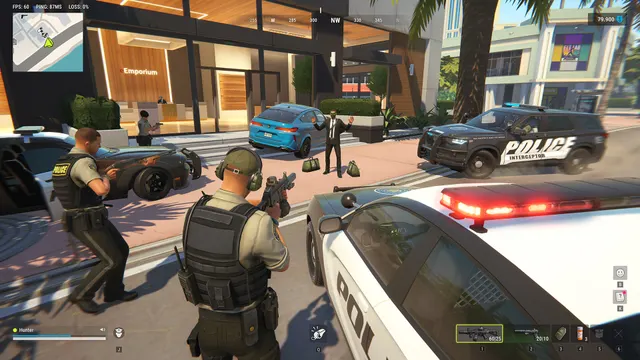
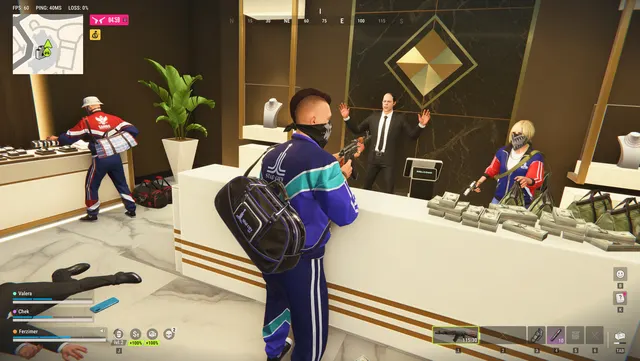
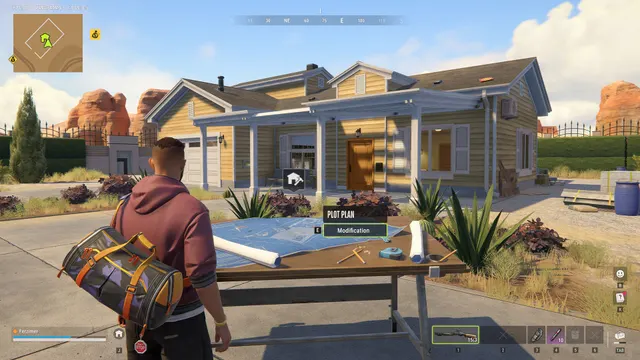
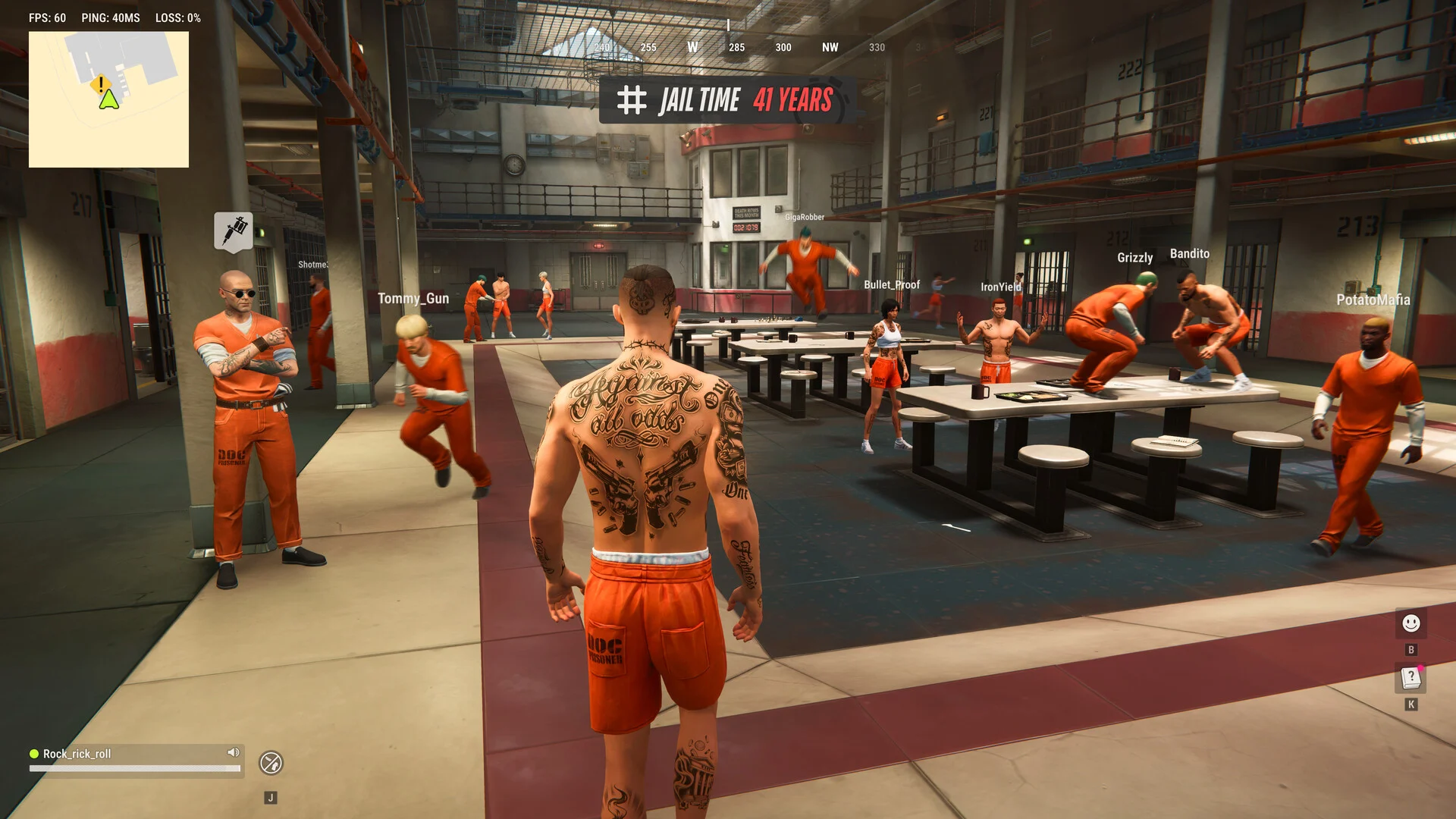
ROB RUN role overlays, loot values, base information and configurable aim modes.
PRODUCT FEATURES
WHAT'S INCLUDED.
Take your ROB RUN experience to the next level with our feature-rich solution, combining AimLock & Silent Aim, advanced Player ESP, Hidden Player Tracking, Base ESP, Loot Value ESP, Object Tracking, Map ESP, and customizable Radar in one modern interface.
Track players, identify valuable loot, monitor enemy bases, locate important objects, and customize your gameplay with extensive aiming, visual, and configuration options.
With dedicated features for cops, robbers, civilians, base management, and loot tracking, ROB RUN provides detailed information across combat, exploration, and settlement activities.
Aimbot
General Settings:
- Enable / Disable Aimbot
Aim Mode Selection:
- AimLock
- Silent Aim
- Lock Only Visible Targets
- Keep Target While Held
- Target Lock Indicator
Target Bone Selection:
- Head
- Neck
- Chest
- Stomach
- Pelvis
AimLock Configuration:
- Adjustable Aim Response
- Automatic Target Tracking
- Continuous Target Movement Tracking
Silent Aim Configuration:
- Silent Shot Redirection
- Randomized Target Bone Selection
- Adjustable Hit Chance
- Adjustable Humanization / Reaction Delay
- Randomized Reaction Timing
Warning: Silent Aim may result in a ban. Randomization and humanization do not prevent bans.
- Prediction
- Movement Prediction
- Target Bone Movement Prediction
- Camera Movement Prediction
Field of View:
- FOV Circle
- Adjustable FOV Radius
Target Filters:
- Aim at Players
- Aim at NPCs
- Aim at Civilians
- Team Check
- Ignore Knocked Players
- Skip Party Members & Clan-Battle Allies
- Visible Targets Only
- Adjustable Maximum Range
- Role-Based Target Filtering
Auto Fire:
- Enable / Disable Auto Fire
- Automatic Firing Functionality
Visuals & Player ESP
General Settings:
- Enable / Disable Visuals
- Visibility Check
- Visibility-Based Color Handling
Visual Elements:
- Configurable Bounding Box
- Configurable Snap Lines
- Player Name
- Clan Tag
- Player Role
- Equipped Weapon
- Armor / Character Status
- Show Hidden Players
- Map-Wide Player ESP
- Player Health Bar
- Distance Indicator
- Category Labels
- Off-Screen Arrows
- Nearest Target Marker
- Skeleton Overlay
- Adjustable Skeleton Display Distance
- Adjustable Text Size
- Adjustable Line Thickness
Hidden Player Tracking:
- Show Hidden Players
- Last Known Player Position
- Dumpster / Cabinet Tracking
- Retain Last Confirmed Location
Note: Hidden Player Tracking requires an initial hiding location to be received. The last confirmed position is retained when the voice signal stops and cleared when the player reappears.
Local Player Information:
- Local Health Display
- Local Armor Display
- Local Ammo Display
Display Filters:
- Adjustable NPC Display Distance
- Show Players
- Show NPCs
- Team Check
- Hide Party Members & Clan-Battle Allies
- Hide Dead Characters
Role-Based Player Filters:
- Cops
- Robbers
- Other Roles
Object ESP
General Settings:
- Enable / Disable Object ESP
- Battle Mode
- Configurable Battle Mode Hotkey
Item Types:
Supported object categories include:
- Drawers / Containers
- Loose Loot
- Loot Bags
- Loot Nodes
- Cash
- Cargo
- Vehicles
- Grenades
- Dumpsters
- Security Fuses
- CCTV / Alarm Cameras
Loot Filters:
- Hide Empty / Taken Loot
- Individual Object Distance Settings
Loot Value ESP:
- Enable / Disable Loot Value ESP
- Adjustable Minimum Loot Value
- Fine-Tuned Loot Value Input
- Show Items With Unknown Values
- Color by Loot Value
Value-Based Color Categories:
- Under $1,000
- $1,000 – $4,999
- $5,000 – $9,999
- $10,000 – $24,999
- $25,000+
- Unknown Value
- Empty / Taken
Grenade Tracking:
- Grenade Detonation Timer
- Grenade Throw Trajectory
Base ESP
General Settings:
- Enable / Disable Base ESP
- Dedicated Base ESP Hotkey
- Individual Base Object Filters
Base Structures:
Supported base categories include:
- Defense / Modules
- Farms / Production
- Base Containers / Storage
- Base Garages
- Cargo Workbenches
- Plot Overview
- Money Laundering
Base Information:
- Installed Modules
- Open Door Counts
- Cargo / Slot Contents
- Production / Cargo Timers
Storage Information:
Note: Storage displays empty status without distance, or distance when contents are available. Unknown contents are hidden.
- Battle Mode
- Enable / Disable Battle Mode
- Dedicated Battle Mode Hotkey
- Hide Object & Base ESP Overlays
- Hide Object & Base Radar Markers
- Hide Grenade Throw Trajectories
Note: Battle Mode temporarily hides object and base information to reduce visual clutter during combat. Disabling Battle Mode restores your selected filters.
Distances
Individual Object ESP Distances:
Configure maximum display distance separately for:
- Drawers / Containers
- Loose Loot
- Loot Bags
- Loot Nodes
- Cash
- Cargo
- Vehicles
- Grenades
- Dumpsters
- Security Fuses
- CCTV / Alarm Cameras
Individual Base ESP Distances:
Configure maximum display distance separately for:
- Defense / Modules
- Farms / Production
- Base Containers / Storage
- Base Garages
- Cargo Workbenches
- Plot Overview
- Money Laundering
Distance Configuration:
- Independent Maximum Distance per Object Type
- Individual Base Object Distance Controls
- Separate Radar Detection Range
Radar & Map ESP
Game Map:
- Enable / Disable Map ESP
- Player Markers on Minimap
- Player Markers on Full Map
- Role-Based Player Filtering
- Team Filtering
- Friend Filtering
Radar General Settings:
- Enable / Disable Radar
- Top-Down Minimap
- Movable Radar Position
- Save Radar Position Through Settings
Radar Filters:
- Show Players
- Show Team
- Show NPCs
- Show Items
- Show Objects
- Hide Dead Characters
- Hide Empty / Taken Items
- Visibility Check
Layout Configuration:
- Adjustable Radar Size
- Adjustable Detection Range
Visual Style:
- Show / Hide Radar Header
- Show / Hide Radar Border
- Display Background
Display Elements:
- Cardinal Lines
- Adjustable Line Opacity
- Adjustable Entity Dot Size
- Adjustable Center Marker Size
Rotation Settings:
- Rotate With Camera
- Smooth Rotation
- Adjustable Rotation Speed
Note: Radar filters and detection range operate independently from Visuals and Object ESP settings.
Player Management
Friend List:
- Custom Friend List
- Ignore Friends in ESP
- Ignore Friends on Radar
- Ignore Friends for Aimbot Targeting
- Remove Friends From List
- Save Friend List Through Configuration Profiles
Player List:
- Search Players by Name
- Nearby Players Only Filter
- Adjustable Player List Range
- Player Role Information
- Player Distance Information
Player List Management:
Miscellaneous
- Loot
- Fast Reveal
- Faster Inventory Reveal Animations
Note: Fast Reveal speeds up reveal animations for inventory contents already received. Inventory must still be opened normally.
Crosshair Overlay:
- Configurable Crosshair Style
Camera Settings:
- Override Camera FOV
- Adjustable Camera FOV
Colors
Character Indicators:
Customize colors for:
- Players
- Visible Players
- Team
- Visible Team
- NPCs
- Visible NPCs
Role ESP:
Customize colors for:
- Visible Robbers
- Invisible Robbers
- Visible Cops
- Invisible Cops
- Visible Civilians
- Invisible Civilians
Item Colors:
Customize colors for:
- Under $1,000
- $1,000 – $4,999
- $5,000 – $9,999
- $10,000 – $24,999
- $25,000+
- Unknown Value
- Empty / Taken
- Vehicles
- Grenades
- Miscellaneous
- Security Fuses
- CCTV / Alarm Cameras
Base ESP Colors:
Customize colors for:
- Defense / Modules
- Farms / Production
- Base Containers / Storage
- Base Garages
- Cargo Workbenches
- Plot Overview
- Money Laundering
- Overlay
- Crosshair / Aim / Trajectory Color
- Radar
Customize colors for:
- Radar Background
- Radar Border
- Center Marker
Color Configuration:
- RGBA Color Customization
- Adjustable Red, Green & Blue Values
- Adjustable Alpha / Transparency
Settings
Profile Management:
- Multiple Configuration Profiles
- Profile Selection
- Refresh Profile List
- Save Profile
- Load Profile
- Reset Profile
- Create New Profile
- Custom Profile Name
- Create Profile
Global Control:
- Enable / Disable All Features
Hotkey Configuration:
- Toggle Menu Hotkey
- Toggle All Features Hotkey
- Panic Key (Disable All)
- Toggle Base ESP Hotkey
- Toggle Battle Mode Hotkey
- Aimbot Hold Key
Application Information:
- ROB RUN Overlay
COMMON QUESTIONS
PRODUCT FAQ.
Which aiming controls are included?+
Enable / Disable Aimbot; AimLock; Silent Aim; Lock Only Visible Targets; Keep Target While Held; Visible Targets Only. The full feature list above includes additional options.
What player information can I display?+
Enable / Disable Visuals; Visibility Check; Visibility-Based Color Handling; Configurable Bounding Box; Configurable Snap Lines; Note: Hidden Player Tracking requires an initial hiding location to be received. The last confirmed position is retained when the voice signal stops and cleared when the player reappears. The full feature list above includes additional options.
Which visual and world features are included?+
Enable / Disable Object ESP; Battle Mode; Configurable Battle Mode Hotkey; Drawers / Containers; Loose Loot; Adjustable Minimum Loot Value. The full feature list above includes additional options.
Which distances features are included?+
Drawers / Containers; Loose Loot; Loot Bags; Loot Nodes; Cash. The full feature list above includes additional options.
Is delivery instant?+
Yes. Your licence is delivered automatically as soon as payment is confirmed. Open the order in your Rogue account to view the delivery. Crypto payments need the required network confirmations first.
What if I need help getting started?+
Open your product’s guides and downloads in your Rogue account. If you still need help, contact support with your order number and the exact error. Check the current product status after a game update.
TAKE A CLOSER LOOK
MEDIA & LINKS.
Additional media and resources will appear here.
FROM THE COMMUNITY
PLAYER REVIEWS.
Verified buyers. Real experiences.
Player experiences.
Loading verified reviews…
Only verified buyers can leave a review.